Learn the craft
Procreate Tutorials & Brush Guides
Original, technique-first articles for iPad artists, with transparent recommendations and practical workflows.
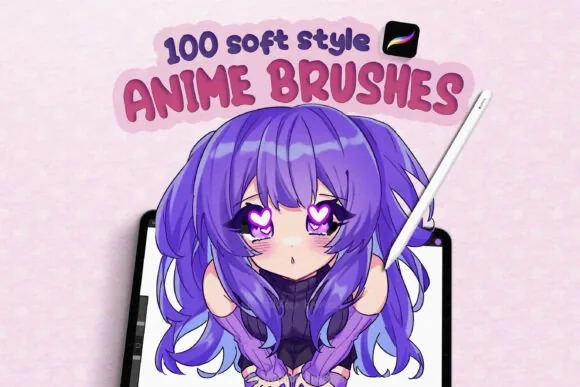
Best Procreate Brushes for Anime and Manga: Lines, Shading, and Texture
Choose Procreate brushes for anime and manga by line control, soft shading, washes, and finishing texture. A practical guide to focused DigiKitPro options.
Read article →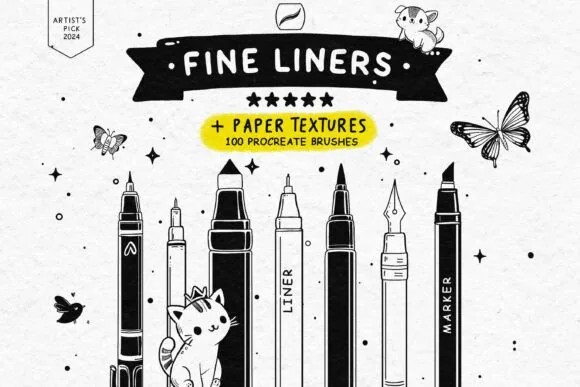
Best Procreate Brushes for Beginners: A Simple Starter Kit
Find the best Procreate brushes for beginners without downloading a chaotic library. Learn what to start with, how to practise, and when to upgrade.
Read article →
Best Procreate Brushes for Line Art: How to Choose a Liner
Find Procreate brushes for line art by comparing taper, pressure response, texture, stabilisation, and workflow. Includes free and specialist options.
Read article →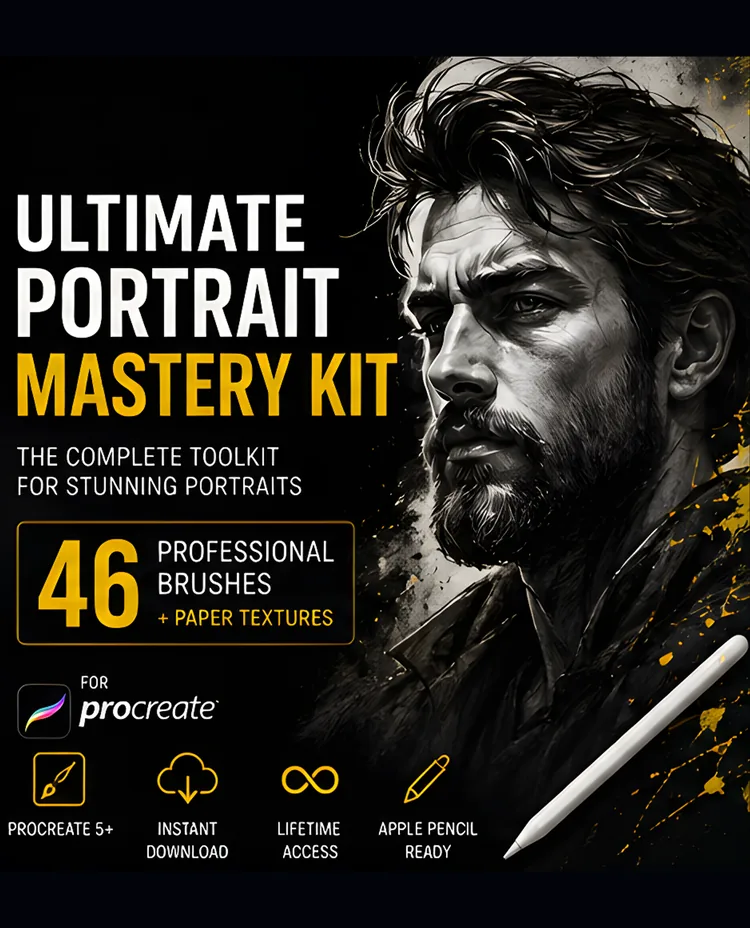
Best Procreate Brushes for Portraits: A Workflow-Based Guide
Choose Procreate portrait brushes by job: sketching, skin, blending, hair, facial detail, and finish. Includes focused DigiKitPro options and honest limits.
Read article →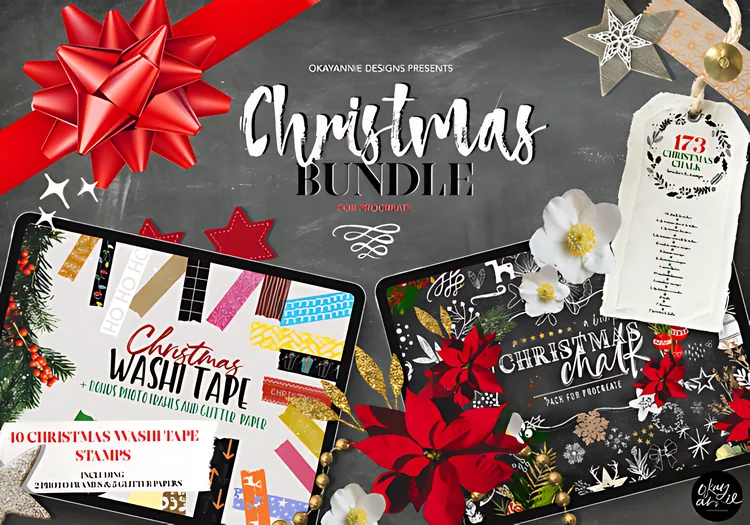
Christmas Procreate Tutorial: Design a Holiday Card with Brushes
Follow this Christmas Procreate tutorial to build a printable holiday card with stamps, washi tape, chalk lettering, paper, and controlled sparkle.
Read article →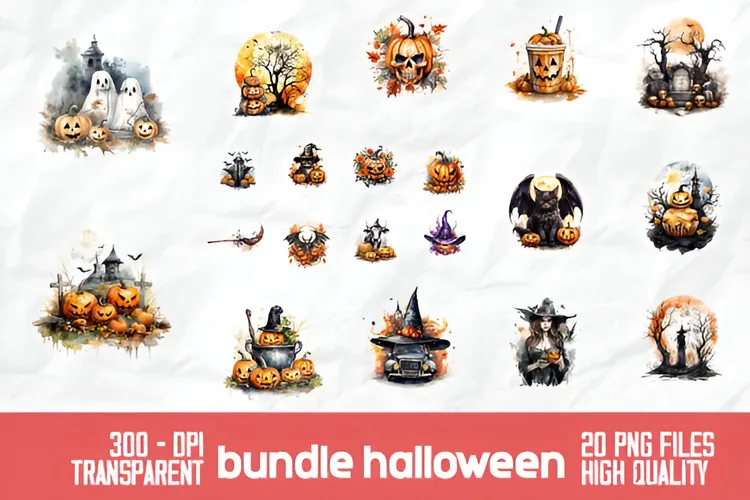
Halloween Procreate Tutorial: Paint a Moonlit Pumpkin Scene
Follow this Halloween Procreate tutorial to build a moonlit pumpkin scene with a PNG asset, fog, warm glow, and restrained sparkle.
Read article →
How to Choose Procreate Brushes: A Practical Buying Guide
Learn how to choose Procreate brushes by subject, stroke behaviour, file format, workflow, and licence instead of buying packs you never use.
Read article →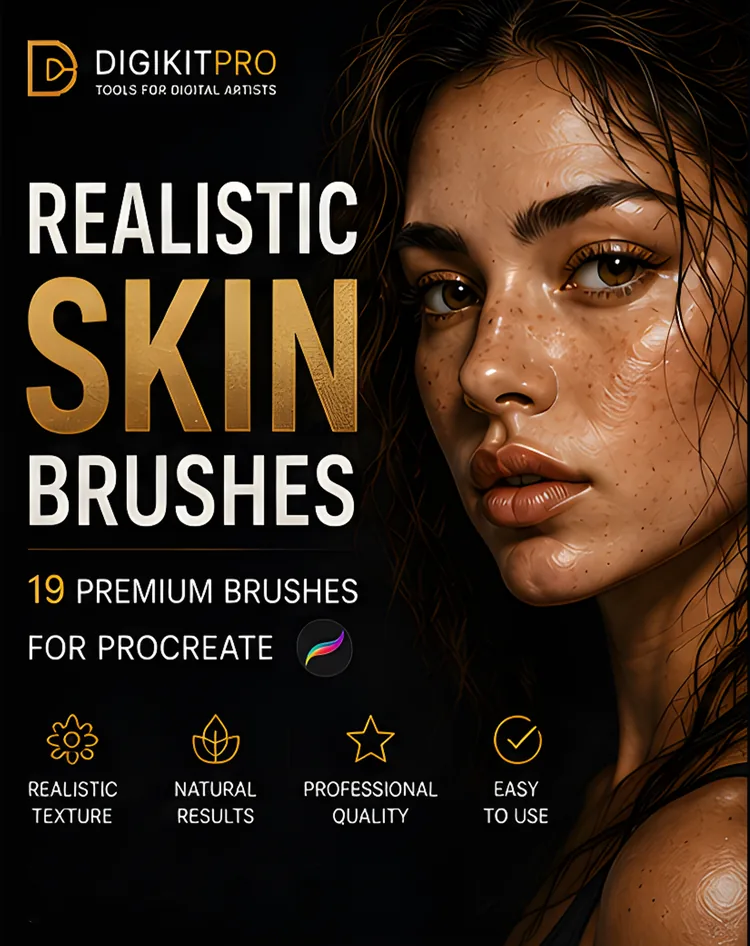
How to Paint Realistic Skin in Procreate: A Layered Workflow
Learn how to paint realistic skin in Procreate with a repeatable sequence for values, undertones, soft edges, texture, and restrained highlights.
Read article →
How to Create Realistic Skin Texture in Procreate
Learn how to add believable pores, freckles, blemishes, and wrinkles in Procreate without covering your portrait in repetitive digital noise.
Read article →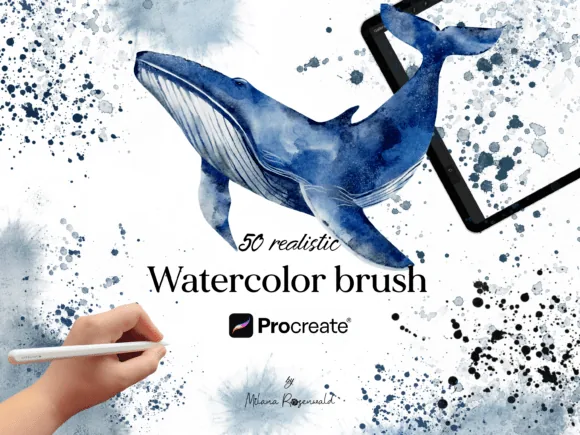
How to Create Realistic Watercolor in Procreate
Learn how to create realistic watercolor in Procreate by building washes, blooms, granulation, paper grain, and soft-edged layers.
Read article →
How to Install Procreate Brushes on iPad: .brushset Step by Step
Learn how to install Procreate brushes and .brushset files on iPad from Files, including ZIP extraction, in-app import, drag-and-drop, and fixes.
Read article →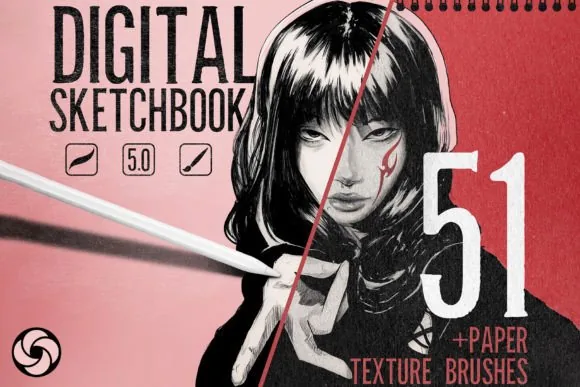
How to Make Digital Art Look Traditional: 7 Practical Techniques
Make digital art look traditional in Procreate with paper tooth, broken edges, limited colour, layered marks, and medium-specific workflows.
Read article →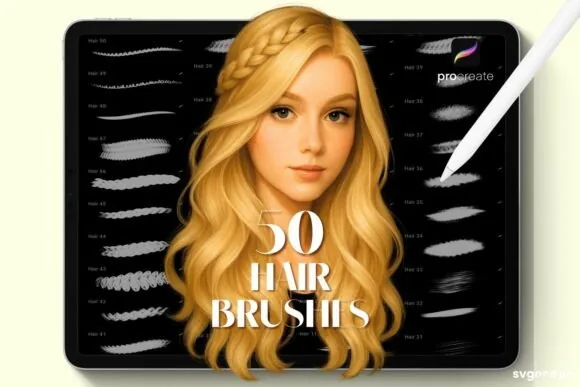
How to Paint Realistic Hair in Procreate Without Drawing Every Strand
Learn how to paint realistic hair in Procreate with a mass-first process for silhouette, clumps, highlights, strands, and flyaways.
Read article →
Procreate Blending Brushes: How to Blend Without Plastic Skin
Learn how Procreate blending brushes work, when to use Smudge, and how to keep texture while building soft digital-paint transitions.
Read article →
Best Procreate Canvas Size and DPI for Digital Art
Choose a Procreate canvas size and DPI for screen art, portraits, line art, and print without sacrificing layer space or texture control.
Read article →
The Complete Procreate Portrait Workflow: Sketch to Final Polish
Follow a repeatable Procreate portrait workflow from reference and canvas setup through construction, values, skin, hair, edges, and final polish.
Read article →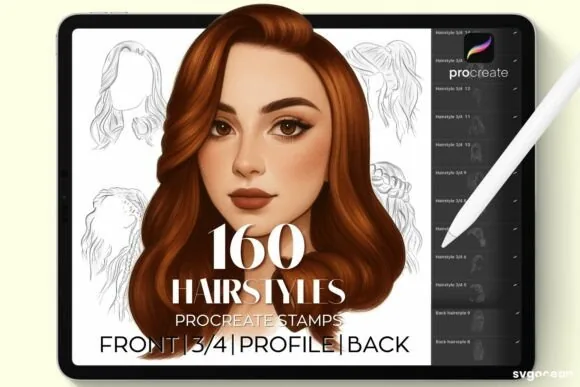
Procreate Stamp Brushes vs Painting Brushes: When to Use Each
Understand the difference between Procreate stamp brushes and painting brushes, when each is useful, and how to paint over stamps so your work stays personal.
Read article →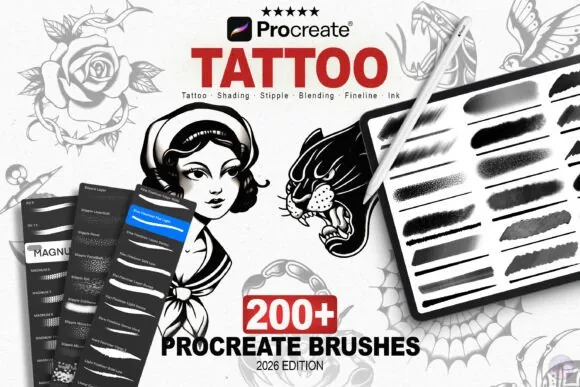
How to Design a Tattoo in Procreate: From Sketch to Stencil
Learn a responsible Procreate workflow for tattoo concepts: plan the body placement, build clear linework, add value, and prepare a clean stencil reference.
Read article →