A brush pack can look impressive in a preview and still be wrong for your work. The useful question is not “How many brushes are included?” It is “What part of my process will this set improve, and can I tell before I buy it?”
Use the framework below to compare Procreate brushes without relying on inflated claims. It covers subject, stroke behaviour, organisation, compatibility, price, and licensing. DigiKitPro products are used as examples of different workflows; they are not automatically the right choice for every artist.
1. Start with the artwork you actually make
Write down the three subjects you draw most often. A portrait painter needs different tools from a lettering artist, anime illustrator, or watercolor sketcher.
| Your recurring task | Brush behaviours to prioritise | Example resource |
|---|---|---|
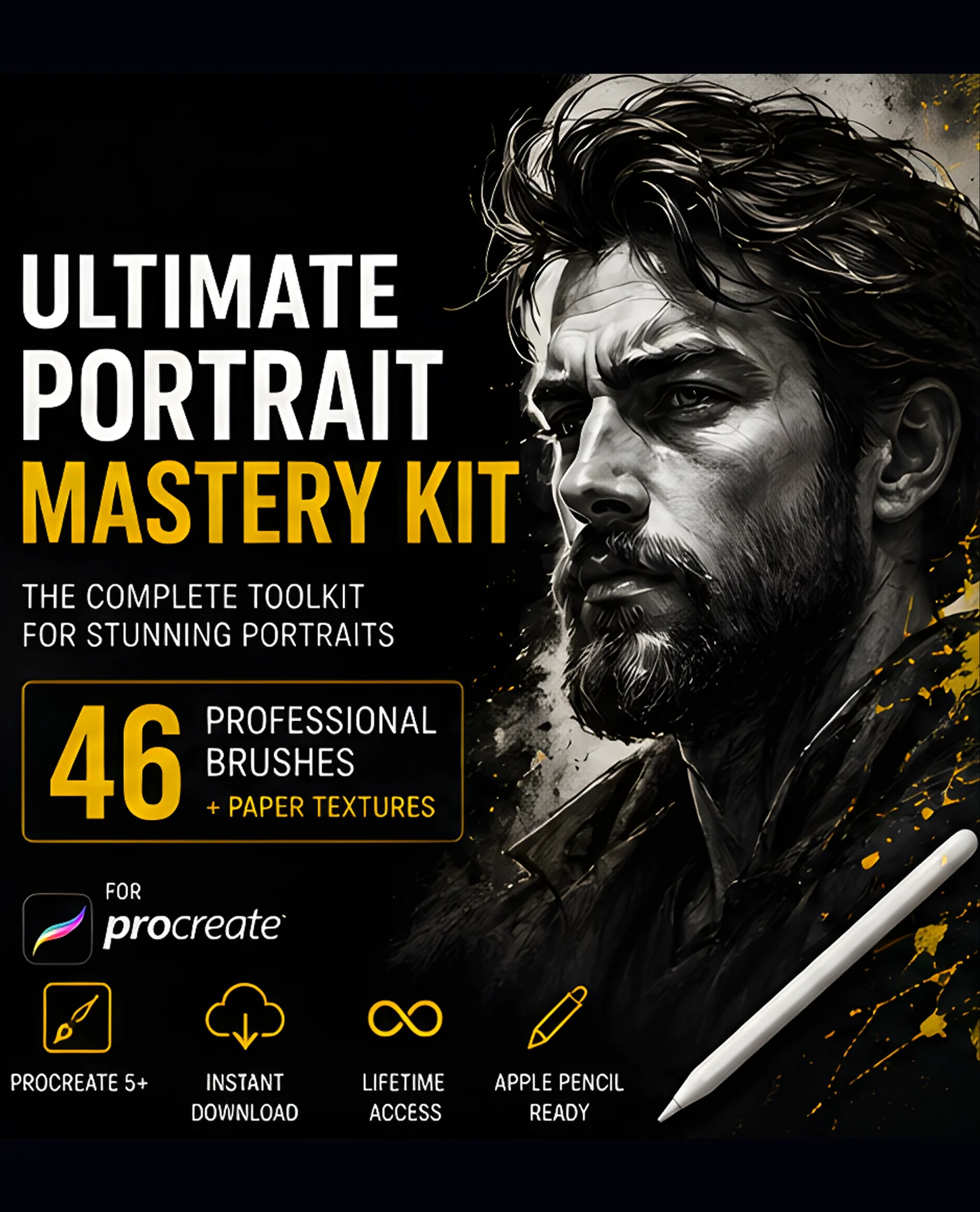
| Portrait studies | Controlled sketching, textured blending, skin and hair detail | Portrait Mastery Kit |
| Clean line art | Predictable taper, pressure response, pencil texture | Master Line-Art Vault |
| Watercolor illustration | Wash variation, grain, translucent layering, soft edges | Watercolor Studio Kit |
| Anime and manga | Ink lines, soft shading, washes, highlights, halftone or texture options | Anime Soft-Style Studio Kit |
The examples above are editorial matches based on the catalogue descriptions. Browse the product page to confirm what is included now.
2. Judge the stroke, not the thumbnail
A product preview can show a dramatic mark without telling you how it feels during a long stroke. Look for evidence of:
- Pressure response: does light pressure make a lighter or narrower mark, or only a less opaque one?
- Taper: are the entry and exit points useful for your line language?
- Texture scale: does grain remain visible at the canvas size you use?
- Spacing and repetition: do repeated stamps or particles become obvious?
- Tilt support: is Apple Pencil tilt mentioned, and is it relevant to your workflow?
- Opacity and size control: can you build a mark gradually instead of getting a full-strength result immediately?
These are evaluation criteria, not guarantees. A brush’s behaviour also depends on canvas size, stylus, pressure curve, and the artist’s hand.
3. Prefer a workflow-organised set
A useful pack tells you where its brushes belong. The Portrait Mastery Kit, for example, is catalogued as 46 brushes plus four paper textures arranged into sketch, ink, blend, hair, detail, texture, finish, and paper sections. That structure is more helpful than a flat list when you are still learning a portrait sequence.
For a large set, check whether it includes categories, a PDF guide, a swatch file, or naming that makes the brushes searchable. If you cannot tell what a brush is for, a high count may create friction rather than value.
4. Check the file, app, and device requirements
For Procreate on iPad, the official Procreate Help Center lists `.brush`, `.brushset`, and `.brushlibrary` as supported brush formats, and explains that sets can be imported from Files. That does not mean every pack works in every drawing app.
Before checkout, verify:
- the product is for the Procreate app you use;
- the download format is listed clearly;
- your iPad has enough storage for the download and extracted files;
- Apple Pencil pressure or tilt is optional or required, as applicable;
- bonus files such as PNG, PDF, or AI files have their own software requirements.
DigiKitPro’s catalogue describes many brush products as `.brushset` files for Procreate on iPad, but always read the current product page for the specific pack.
5. Compare value by use, not by brush count
A 19-brush skin set can be better value for a portrait painter than a 650-brush bundle if it removes a bottleneck you face on every portrait. Ask:
- How many included brushes will I realistically use?
- Does the set replace a repeated workaround?
- Is the organisation worth the price and storage space?
- Would a free or smaller pack answer the same need?
- Does the product page state what is included and how it is delivered?
A bundle makes more sense when you genuinely work across its included subjects. It makes less sense when the size of the library is the main attraction.
6. Read the licence before commercial work
“Can I sell the art I make?” is different from “Can I sell the brush files?” DigiKitPro’s current Terms of Service state that, unless a product page says otherwise, purchases include a licence for personal and commercial artwork. They also prohibit reselling, redistributing, copying, or sharing the asset files, in original or modified form.
That wording supports finished artwork and client work, not repackaging the brushes as a competing product. If you need a special use such as a downloadable template, print-on-demand asset library, or redistribution of source files, ask for written clarification before committing.
A simple decision tree
- You are still learning: begin with a focused free set or a small workflow kit.
- You draw one subject repeatedly: buy the specialist set that addresses that subject.
- You work across several media: compare a general kit with the cost and organisation of specialist packs.
- You need a whole catalogue: inspect the included sets, file size, and licence before considering a mega bundle.
FAQ
Is a larger Procreate brush pack better?
Not automatically. Count, organisation, stroke quality, and relevance matter more than the headline number. A smaller pack that fits your workflow may be the better purchase.
How can I tell if a Procreate brush is good before buying it?
Look for clear previews of actual strokes, documented file formats, compatibility information, and a description of how the brushes are organised. If those details are missing, treat the pack as higher risk.
Do I need brushes for every art style?
No. Start with a versatile sketch, liner, painting, blend, and texture workflow. Add specialist brushes when a specific style or surface requires a different mark.
Can I use DigiKitPro brushes in Photoshop?
The DigiKitPro product requirements for the brush sets in this guide describe them as Procreate files for iPad and, where stated, not compatible with other digital art software. Do not assume a `.brushset` will work in Photoshop; check the individual product page.
Can I get a refund after downloading a brush pack?
The current DigiKitPro terms say digital-product sales are final once files are downloaded, while technical problems should be reported so the team can resolve them. Read the Refunds section of the Terms before purchase.
Sources and update note
- Procreate Help: Importing your brushes — official supported formats and import steps.
- Procreate Handbook: Brush Libraries — official organisation guidance.
- DigiKitPro Terms of Service — current licensing and refund language.
A good brush purchase is a workflow decision. Name the problem, check the file and licence, and choose the smallest resource that solves it well.