Halloween Spooky Pumpkin Bundle: 20 PNGs
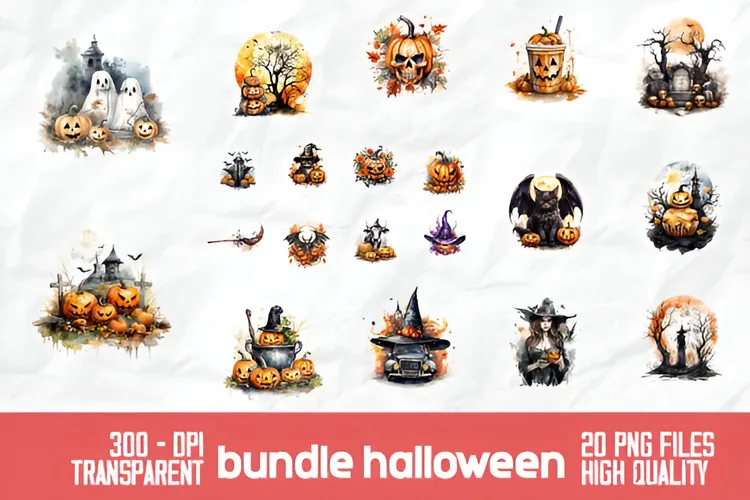
Twenty high-quality 300 DPI pumpkin-themed spooky illustrations in PNG format for seasonal designs.
$4.00
Buy Now
Seasonal collection
Seasonal artwork runs on atmosphere: jack-o-lantern glow, rolling fog, moonlit silhouettes and a little glitter never hurt a pumpkin. This hub gathers the DigiKitPro assets that fit a Halloween workflow, starting with a ready-made spooky pumpkin illustration pack and the effect brushes that sell the mood.
More seasonal art & tools
Seasonal pack
The centerpiece is a ready-to-use set of spooky pumpkin illustrations, delivered as high-resolution PNGs that drop into any design app as image layers.
Twenty high-quality 300 DPI pumpkin-themed spooky illustrations in PNG format for seasonal designs.
Companion tools
Pair the illustrations with smoke, glow and glitter brushes to build fog, candlelight and magical sparkle around your Halloween scenes.
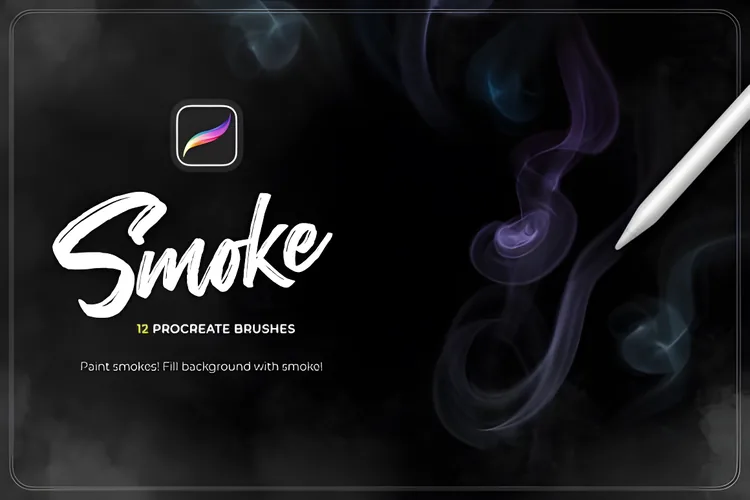
Twelve realistic smoke brushes for cinematic overlays, atmospheric depth and dramatic impact in seconds.
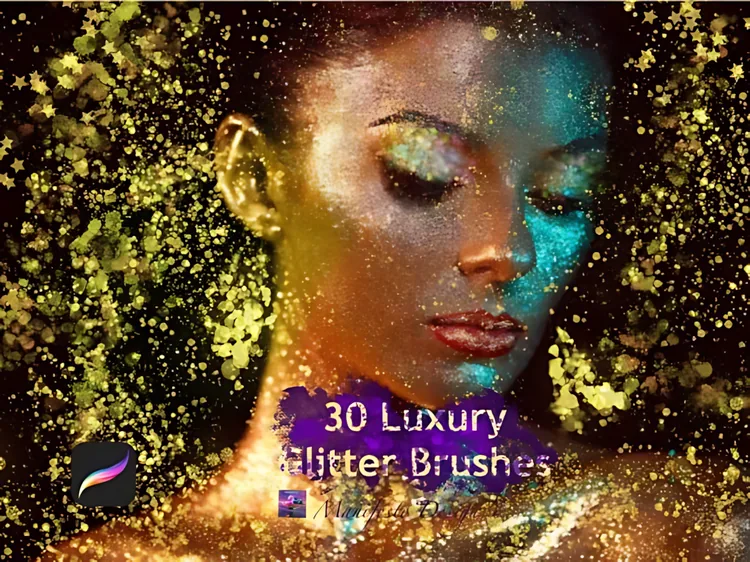
Thirty responsive glitter, sparkle and glow brushes, from whisper-soft glimmer to radiant flare for lettering, makeup and highlights.
Seasonal workflow
Technique & Tutorials
Follow this Halloween Procreate tutorial to build a moonlit pumpkin scene with a PNG asset, fog, warm glow, and restrained sparkle.
Read tutorial →Learn how to install Procreate brushes and .brushset files on iPad from Files, including ZIP extraction, in-app import, drag-and-drop, and fixes.
Read tutorial →Find the best Procreate brushes for beginners without downloading a chaotic library. Learn what to start with, how to practise, and when to upgrade.
Read tutorial →Questions, answered
The Halloween Spooky Pumpkin Bundle contains 20 pumpkin-themed PNG illustrations at 300 DPI. The artwork covers spooky scenes with witches, skulls, bats, ghosts, haunted houses, cauldrons and more.
No. The Halloween pack ships as PNG image files, so you can import them into Procreate or any other app that accepts images, such as Canva, Photoshop or Affinity. The brush kits sold on DigiKitPro do require Procreate on iPad.
Checkout is handled by Payhip and the files are delivered as an instant digital download after payment. There is no shipping and no physical product. A download link is emailed to you and is also available from your Payhip account.
DigiKitPro digital products include a license for use in personal and commercial artwork under the terms on the Terms page. You may not resell, redistribute or share the image files themselves.