Line Art
Free
Free Fine Liner Set: 100 Brushes + 13 Paper Textures
Real pen precision at zero cost: 100 fine liner, micron and marker brushes plus 13 seamless paper textures. Free instant download.
Free
Get Free
Buyer's guide · Start here
The fastest way to waste money on Procreate brushes is to buy a giant library before you know what you draw. The order that actually works: take the free packs, learn on them, buy one $5 kit that matches your subject, and only then decide whether the Master Library earns its place. This page is that order.
Every product below exists at exactly the price shown, and each product page lists precisely what is inside — we do not inflate counts, and we do not run countdown timers. If you want the editorial companion to this page — what makes a beginner brush good in the first place — read Best Procreate Brushes for Beginners. This page is the shop version: what to take home, and in what order.
One honest boundary worth stating up front: Procreate itself is a separate paid app for iPad, made by Savage Interactive and sold on the App Store. DigiKitPro makes brush kits and learning material for Procreate — no kit on this page includes the app.
Starter Kits
Real kits, not samples — the same file quality as the paid packs. $0, and the free guide walks you through a first portrait.
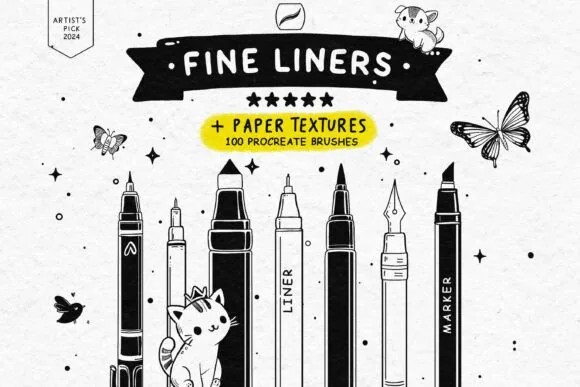
Real pen precision at zero cost: 100 fine liner, micron and marker brushes plus 13 seamless paper textures. Free instant download.
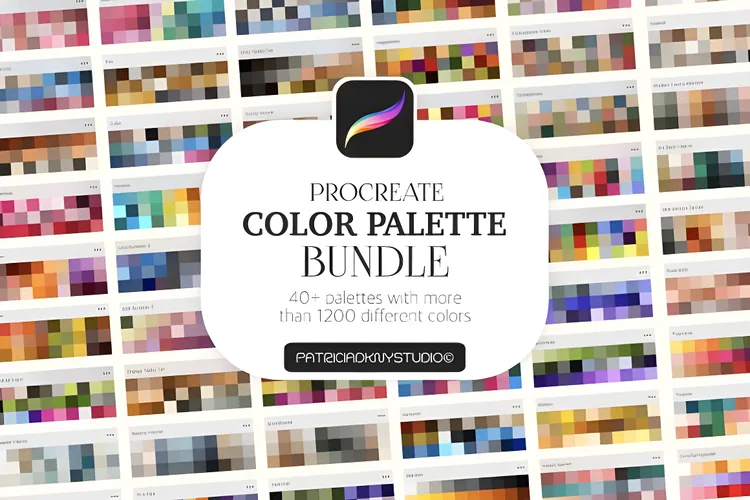
40 professional palettes, 1,200+ curated swatches, so you never burn the first hour of a painting hunting for the right shade.
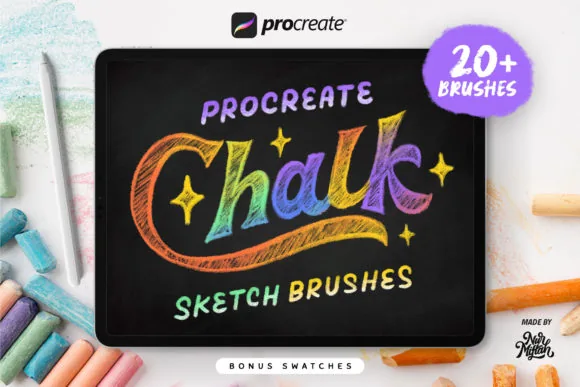
The raw essence of traditional chalk on your iPad: 20+ dusty, tactile chalk brushes with real blackboard soul. Free download.
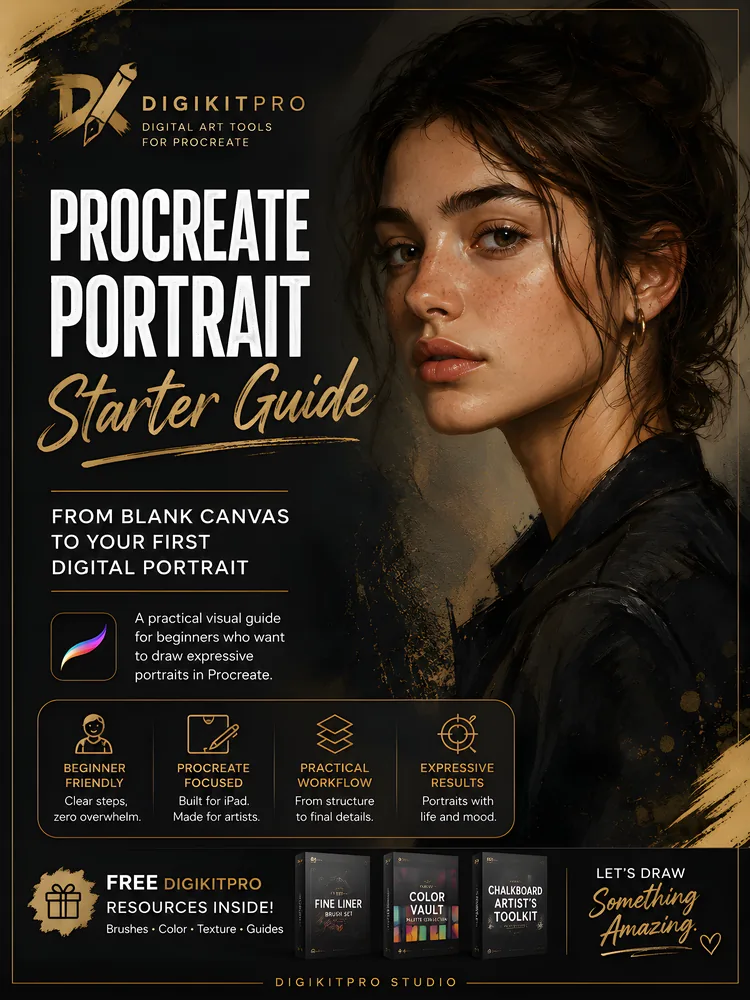
Stop guessing. Start your first believable Procreate portrait this week: a free visual guide from a blank canvas to a structured, well-lit head study.
Starter Kits
Pick the one that matches what you actually draw. Skip the rest until you hit the first kit's limits — you will know when.
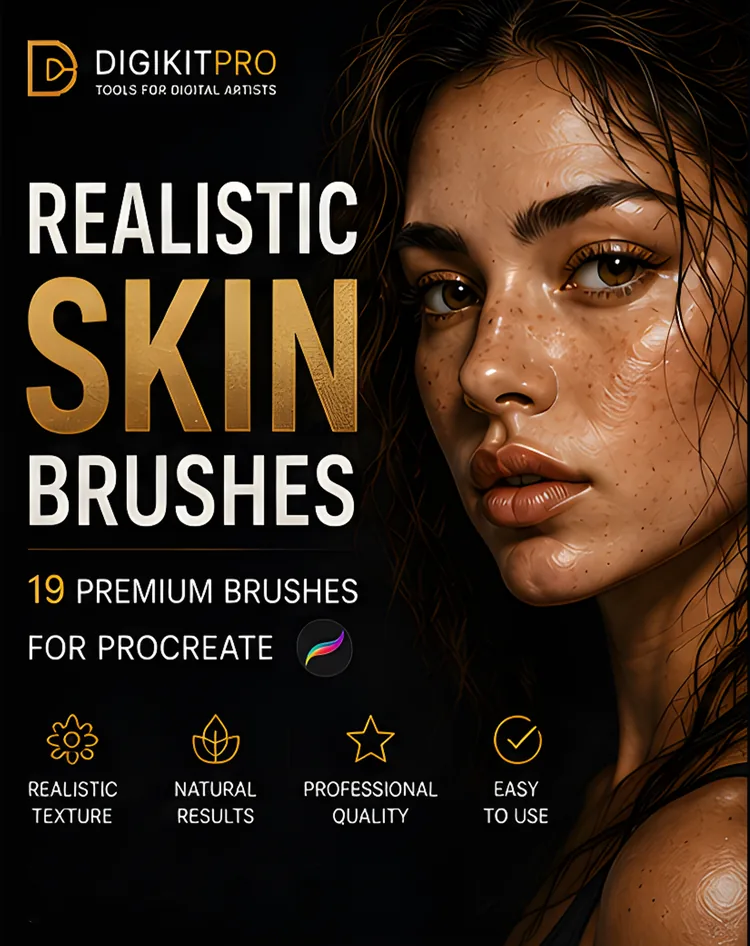
19 premium skin-texture brushes: pores, freckles, wrinkles and textured blenders that turn flat paintings into believable portraits.
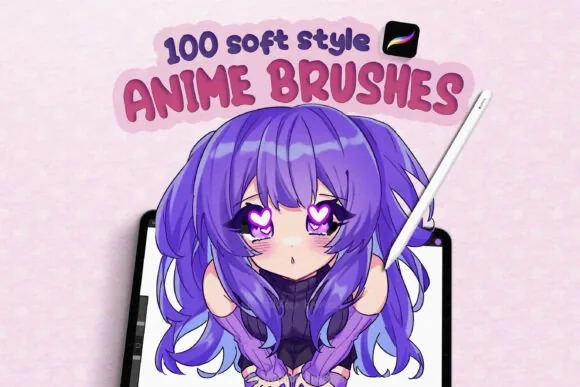
A complete anime ecosystem: 100+ brushes for soft gradients, luminous shading, razor-sharp manga ink and glowing final details.
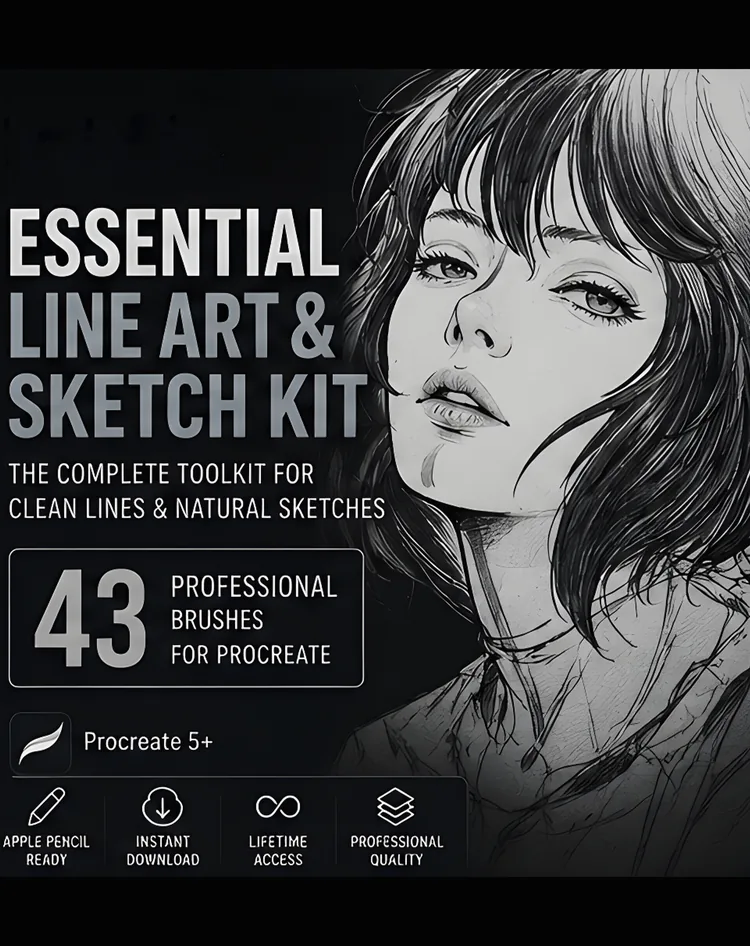
43 focused brushes plus a bonus texture brush for clean line art, natural pencil sketches and confident inking, no pack-switching.
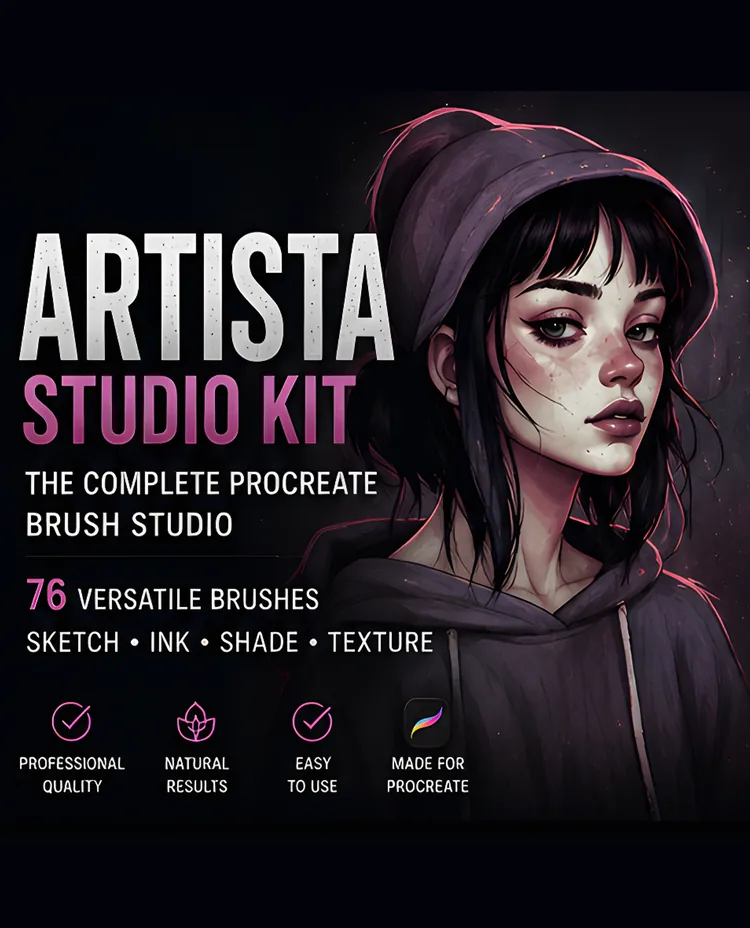
One organized 76-brush collection that covers the full studio workflow, linework, inking, sketching, shading, graphite, markers and effects.
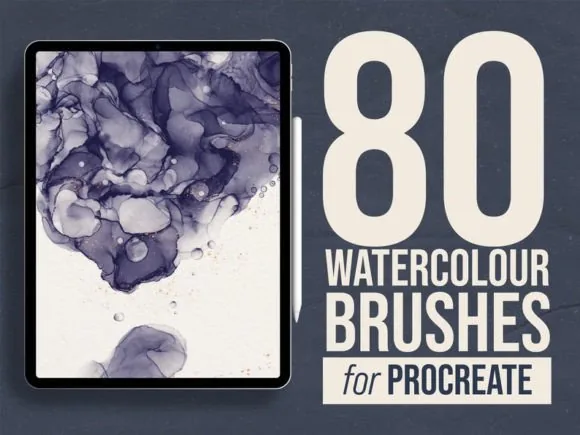
80 organic watercolor brushes engineered for real bleed, pigment flow and grain, digital watercolor with genuine soul.
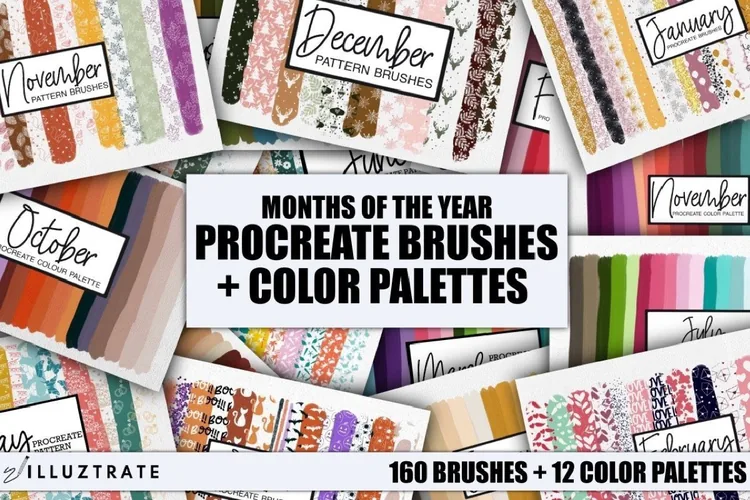
160 beautifully crafted pattern brushes paired with 12 expertly curated color palettes, an instant creative toolkit for iPad.
Step 3 · Only when you work across subjects
One library. Multiple workflows. Less tool hunting.
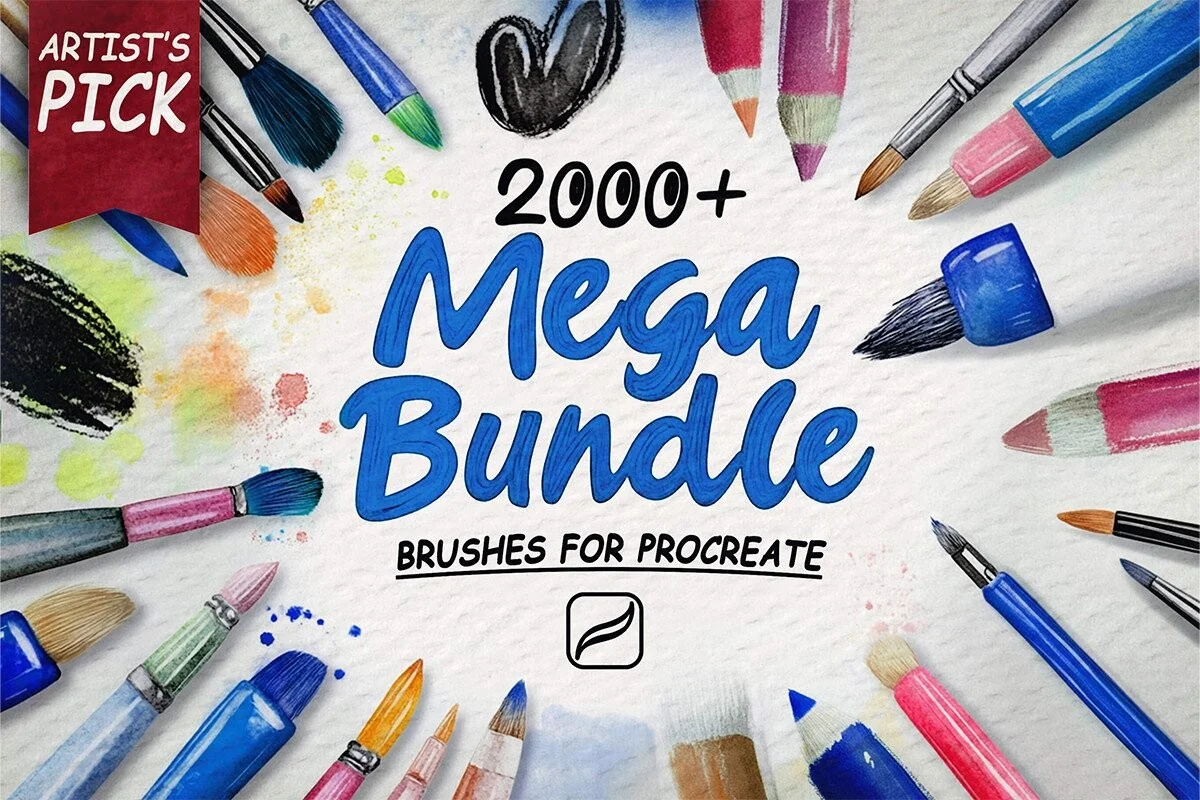
2,000+ organized Procreate brushes — affordable, organized and ready for every workflow, from portraits and skin to line art, watercolor and anime.
Single specialist packs run $4–$10 each across 31 kits. One library, every style, $19.00.
Secure checkout via Payhip · instant download · all sales final once downloaded, faulty files always resolved · Refund policy
Top rung of the bundle ladder — see Starter → Advanced → Ultimate → Master Library.
Straight answers
No. The three free packs install exactly like the paid ones, and the free starter guide takes you from a blank canvas to a first structured portrait. Remember that Procreate itself is a separate paid App Store app by Savage Interactive — our kits are content for it, not the app.
Depth versus breadth. A $5 kit goes deep on one subject — skin, line art, watercolour — and is the cheaper, faster answer when you know what you are making. The Master Library is 2,000+ brushes organised across every style: it makes sense once you work across subjects and would otherwise be buying several packs one by one.
Every .brushset kit requires the Procreate app on an iPad, and each product page lists its own contents, file sizes and requirements under Technical Details. Payment and delivery are handled by Payhip — instant download, with PayPal, cards and Apple Pay accepted.
Yes. Unless a product page states otherwise, purchases include a licence for personal and commercial finished artwork. What you may not do is resell or share the brush files themselves. The full licence is one page — see the Terms of Service link in the footer.
Technique & tutorials
Find the best Procreate brushes for beginners without downloading a chaotic library. Learn what to start with, how to practise, and when to upgrade.
Read tutorial →Learn how to choose Procreate brushes by subject, stroke behaviour, file format, workflow, and licence instead of buying packs you never use.
Read tutorial →Learn how to install Procreate brushes and .brushset files on iPad from Files, including ZIP extraction, in-app import, drag-and-drop, and fixes.
Read tutorial →Choose a Procreate canvas size and DPI for screen art, portraits, line art, and print without sacrificing layer space or texture control.
Read tutorial →