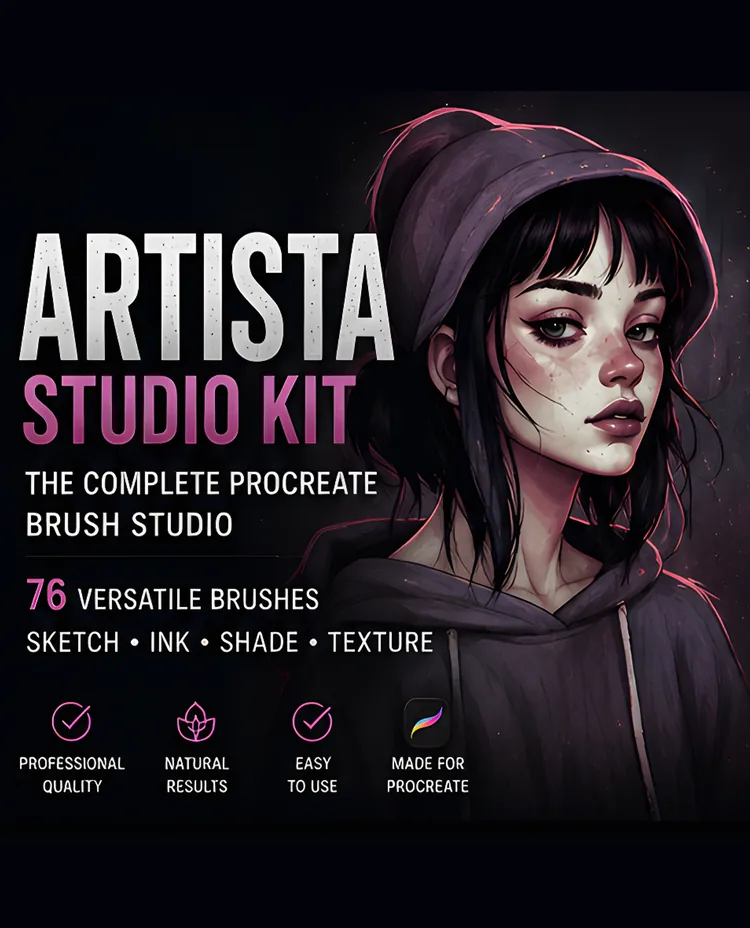
Artista Studio Kit: 76 Procreate Brushes
One organized 76-brush collection that covers the full studio workflow, linework, inking, sketching, shading, graphite, markers and effects.
$5.00
Buy Now
Portrait studio collection
Painting portraits on the iPad requires brush tools that mimic the subtlety of physical media. DigiKitPro portrait brush sets are tuned for the Apple Pencil with realistic pressure response, so you can transition smoothly from preliminary layout sketches to luminous skin rendering and expressive facial features.
Kits & Tools
One organized 76-brush collection that covers the full studio workflow, linework, inking, sketching, shading, graphite, markers and effects.
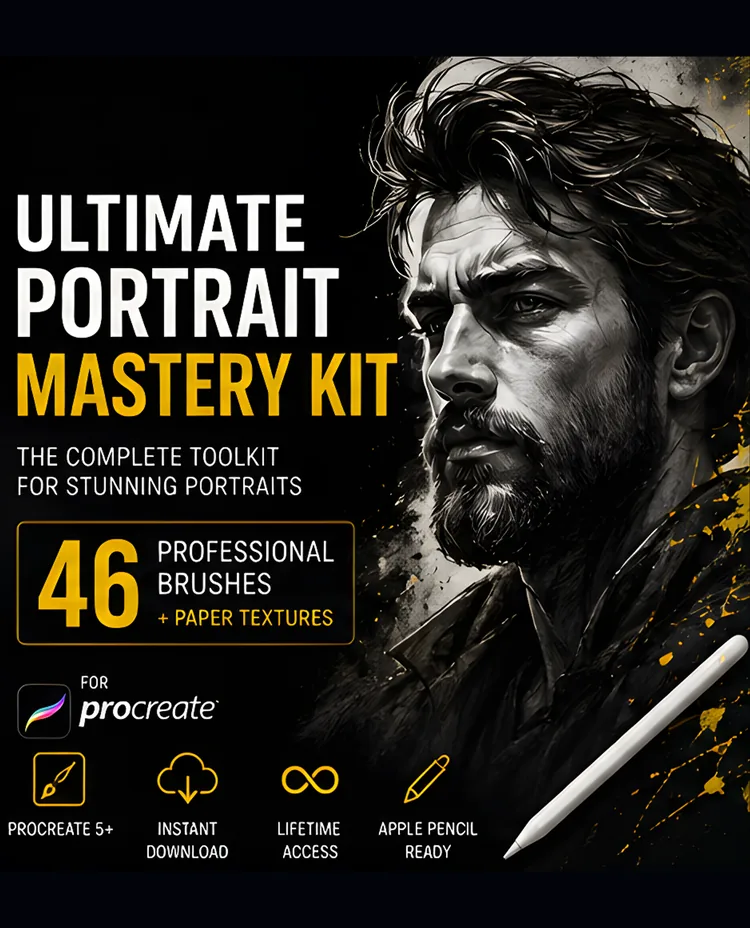
A portrait-specific workflow kit: 46 pro brushes plus 4 paper textures organized into sketch, ink, blend, hair, detail, texture and finish.
Buyer guides for this category
Technique & Tutorials
Choose Procreate portrait brushes by job: sketching, skin, blending, hair, facial detail, and finish. Includes focused DigiKitPro options and honest limits.
Read tutorial →Learn how to paint realistic skin in Procreate with a repeatable sequence for values, undertones, soft edges, texture, and restrained highlights.
Read tutorial →Follow a repeatable Procreate portrait workflow from reference and canvas setup through construction, values, skin, hair, edges, and final polish.
Read tutorial →