Skin Texture
Best Seller
Portrait Skin Brushes for Procreate
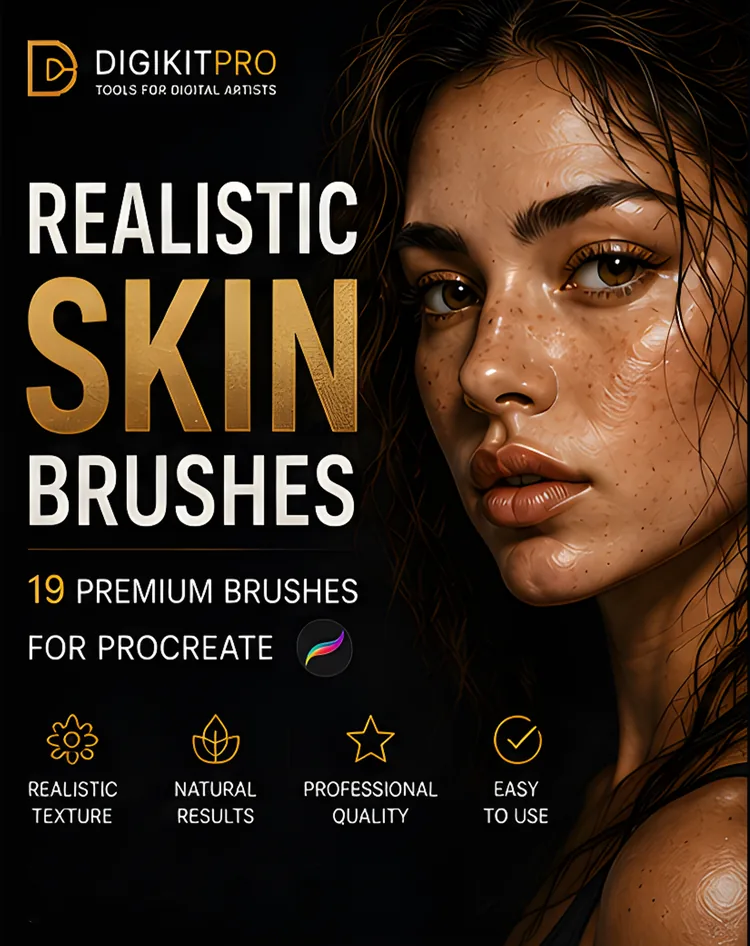
19 premium skin-texture brushes: pores, freckles, wrinkles and textured blenders that turn flat paintings into believable portraits.
$5.00
Buy Now
Realistic portrait textures
Smooth, flat colors make digital portraits look synthetic. These skin texture brushes add authentic pores, micro-textures, freckles, and delicate wrinkles without muddying your underlying color values. Built specifically to work with Procreate blending modes and Apple Pencil tilt.
Kits & Tools
19 premium skin-texture brushes: pores, freckles, wrinkles and textured blenders that turn flat paintings into believable portraits.
Buyer guides for this category
Technique & Tutorials
Learn how to add believable pores, freckles, blemishes, and wrinkles in Procreate without covering your portrait in repetitive digital noise.
Read tutorial →Learn how to paint realistic skin in Procreate with a repeatable sequence for values, undertones, soft edges, texture, and restrained highlights.
Read tutorial →Learn how Procreate blending brushes work, when to use Smudge, and how to keep texture while building soft digital-paint transitions.
Read tutorial →