Skin Texture
Best Seller
Portrait Skin Brushes for Procreate
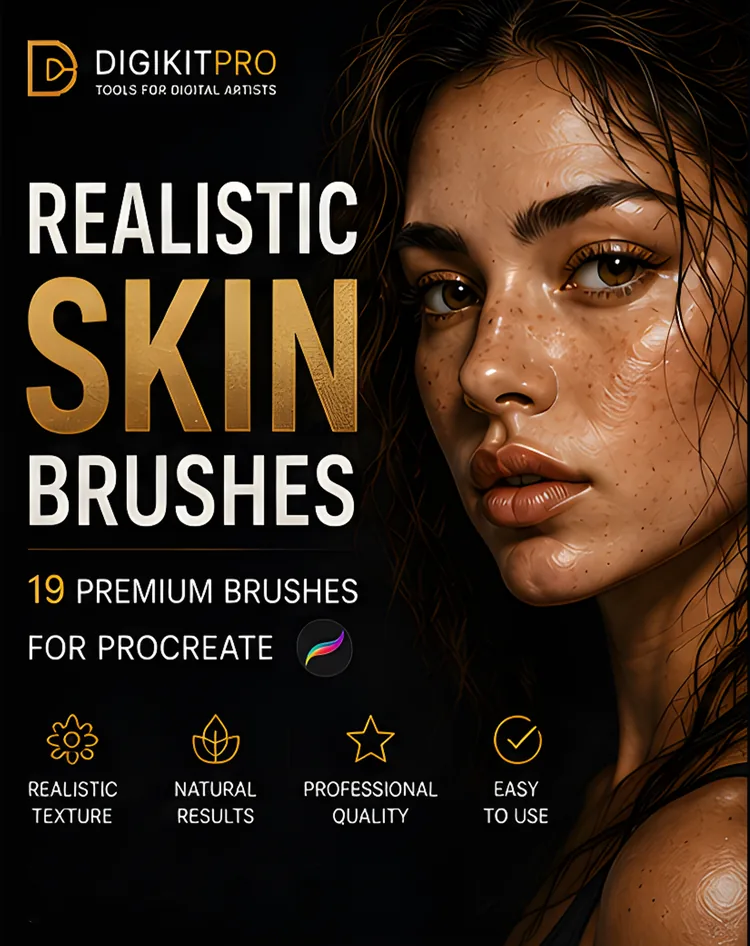
19 premium skin-texture brushes: pores, freckles, wrinkles and textured blenders that turn flat paintings into believable portraits.
$5.00
Buy Now
Buyer's guide · Surface & texture
Flat colour is the first giveaway of digital work. Texture is what fixes it — pores on skin, tooth on paper, fur on a creature, smoke in the background — but only when the brush adds surface without muddying the values underneath. These kits are built for exactly that pass, grouped by the thing you are texturing.
Texture is a finishing discipline, not a starting one. Lay it over flat colour on its own layer, keep the opacity low, and let the underlying values do the work — the moment the texture fights the colours, it is too strong. Skin pores at low opacity read as realism; the same stamp at full strength reads as dirt.
The groupings below are the order working artists usually buy in. Portraits start with the skin set. Traditional-media work starts with paper grain and chalk. Painterly illustrators live in the watercolour and pastel kits. Atmosphere — smoke, sparkle, dust — is the last pass before export.
Texture Brushes
Organic surface for portraits and creatures.
19 premium skin-texture brushes: pores, freckles, wrinkles and textured blenders that turn flat paintings into believable portraits.
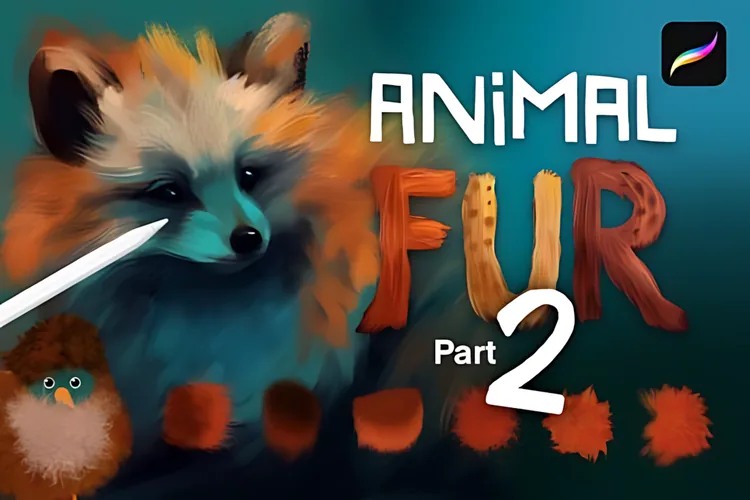
35 dynamic fur, hair and feather brushes for realistic animal and fantasy art, soft one stroke, wild the next.
Texture Brushes
Tooth and grain that make a digital stroke feel like physical media.
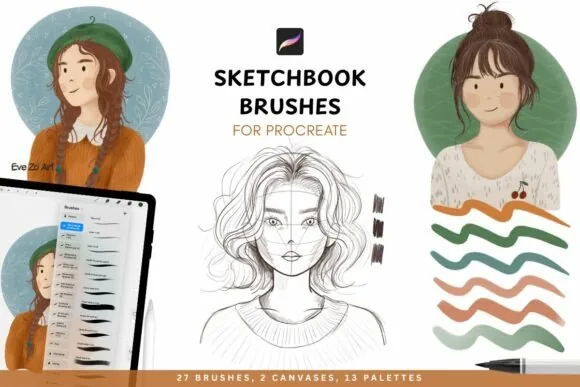
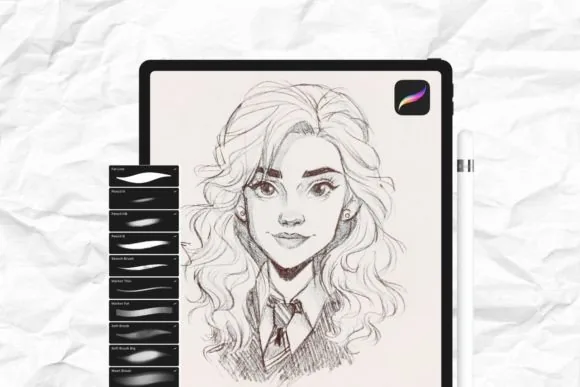
Gritty textures, organic linework and effortless blending, a sketchbook studio that turns your iPad into a high-end paper canvas.
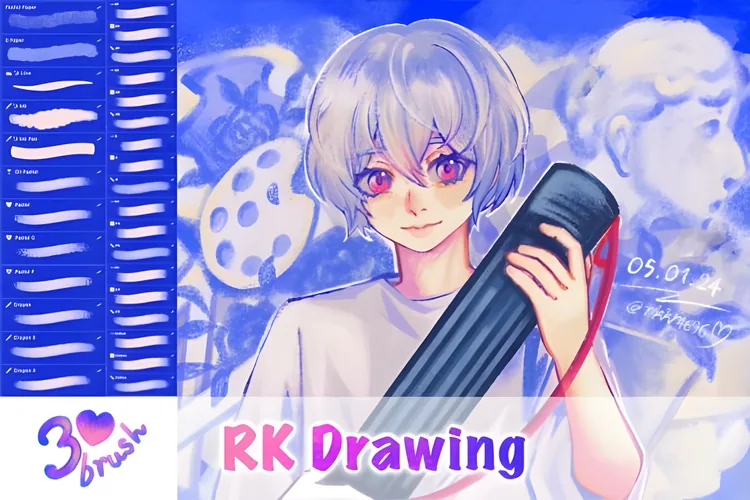
Wax crayon grain, oil pastel blends and real sketchbook grit, physical media's raw soul delivered to your iPad.
Ten carefully crafted texture and effects brushes that add a professional finish to any Procreate artwork.
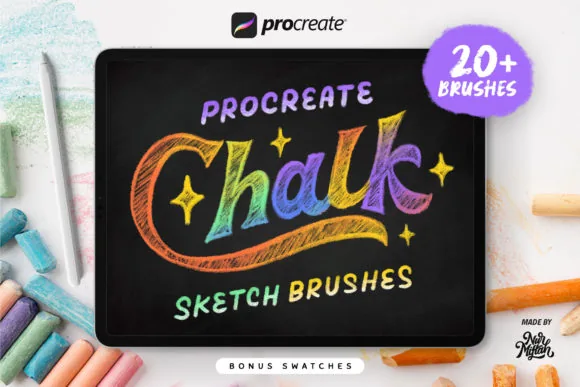
The raw essence of traditional chalk on your iPad: 20+ dusty, tactile chalk brushes with real blackboard soul. Free download.
Texture Brushes
Watercolour blooms, pastel dust and surface-rich paint handling.
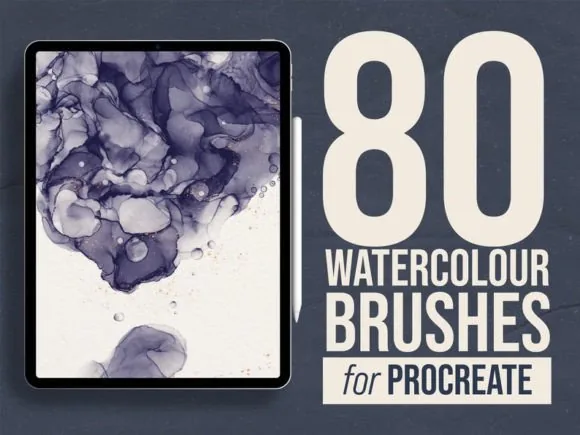
80 organic watercolor brushes engineered for real bleed, pigment flow and grain, digital watercolor with genuine soul.
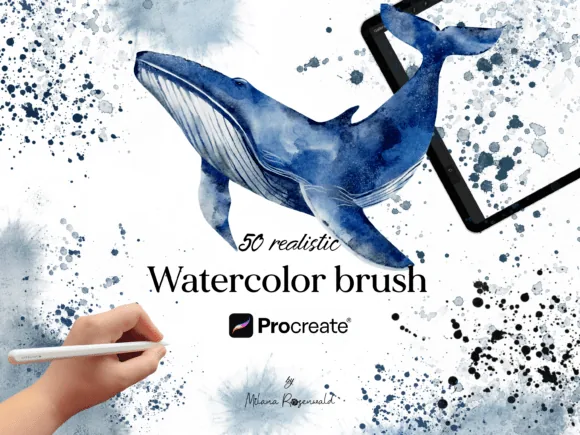
A real artist's watercolor palette simulated for iPad: 50+ brushes with organic bleed, pigment flow and authentic paper grain.
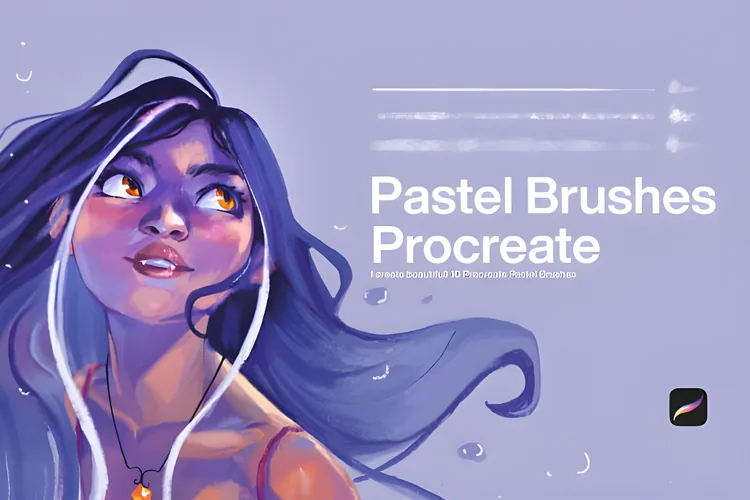
Soft, grainy, nostalgic pastel brushes that bring the organic texture and effortless blending of real pastels to your iPad.
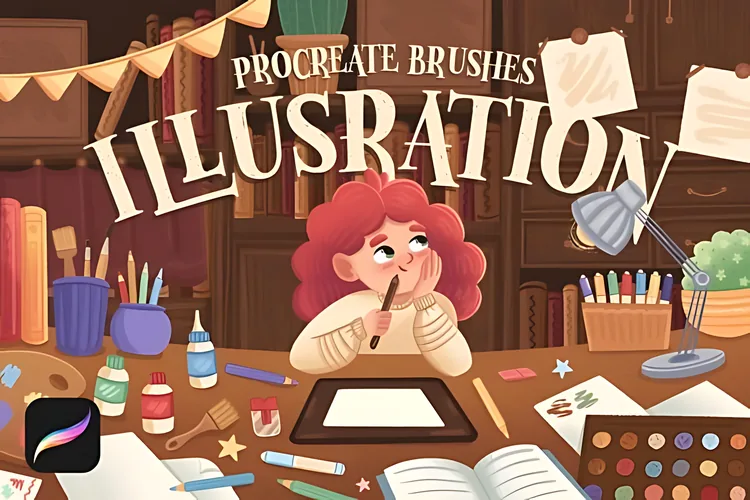
15 authentic textured illustration brushes plus 5 color palettes, made for children's book illustration and hand lettering.
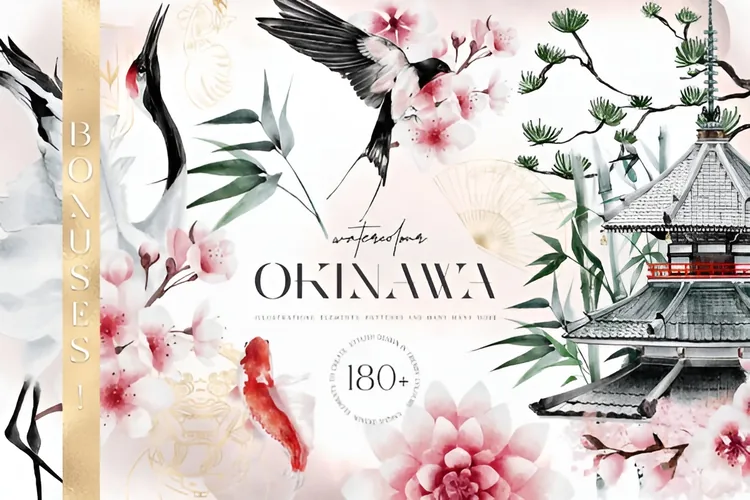
Premium Japanese-inspired watercolour illustrations, seamless patterns, posters and bonus elements for branding and print.
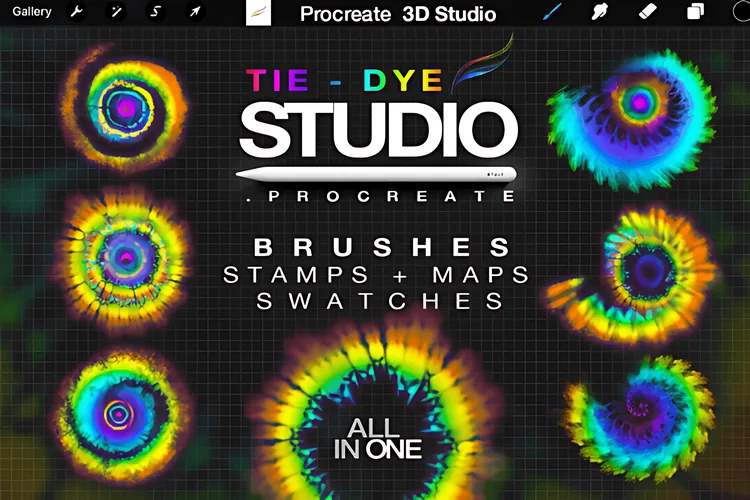
21 meticulously crafted tie-dye brushes and stamps that turn your canvas into a vibrant tapestry of color.
Texture Brushes
The final pass: smoke, sparkle and light.
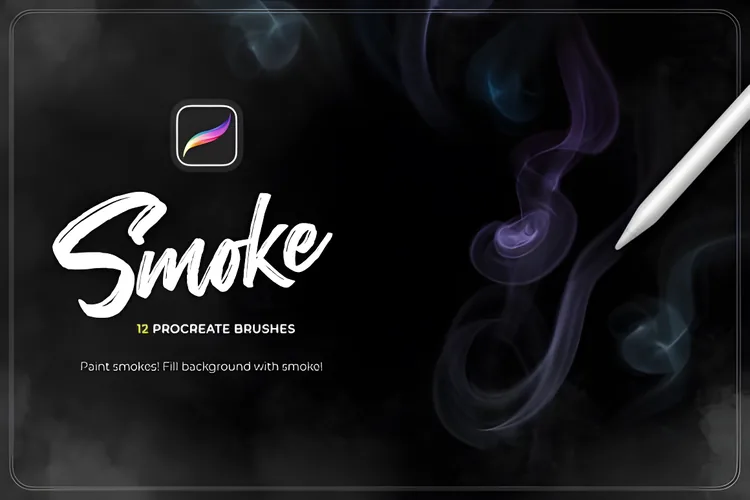
Twelve realistic smoke brushes for cinematic overlays, atmospheric depth and dramatic impact in seconds.
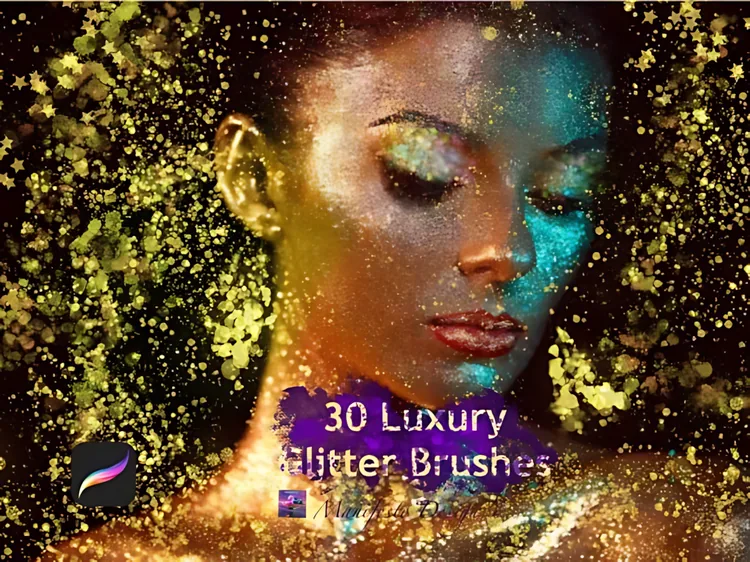
Thirty responsive glitter, sparkle and glow brushes, from whisper-soft glimmer to radiant flare for lettering, makeup and highlights.
Every texture family, one organised library
One library. Multiple workflows. Less tool hunting.
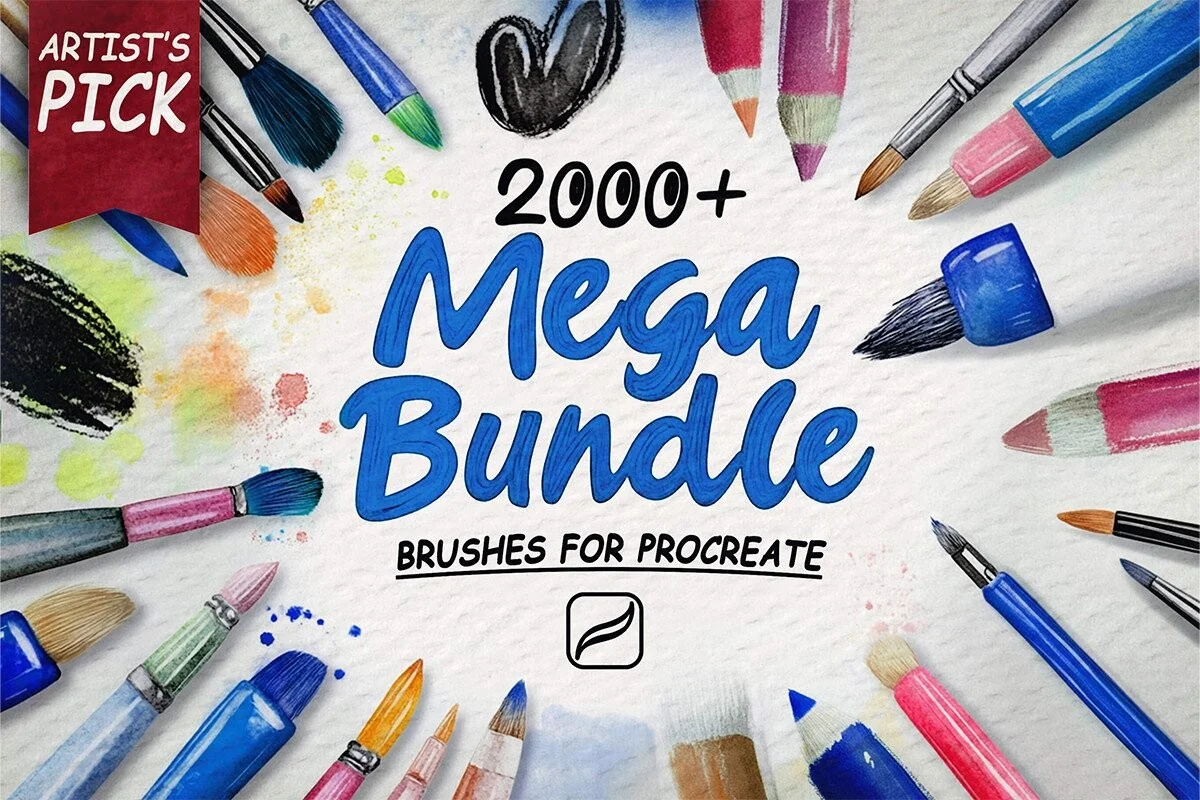
2,000+ organized Procreate brushes — affordable, organized and ready for every workflow, from portraits and skin to line art, watercolor and anime.
Single specialist packs run $4–$10 each across 31 kits. One library, every style, $19.00.
Secure checkout via Payhip · instant download · all sales final once downloaded, faulty files always resolved · Refund policy
Top rung of the bundle ladder — see Starter → Advanced → Ultimate → Master Library.
Straight answers
On its own layer, above the colour, at low opacity. Texture brushes are built to sit over base colour and respond to blend modes, so the values underneath keep doing the work. If the surface starts to look dirty, the layer is too strong — drop the opacity before you reach for a different brush.
Both, for different jobs. A stamp lays a complete surface down in one tap — fast and repeatable, ideal for paper grain and canvas. A painting texture brush builds up with the stroke, which is how skin and fur stay organic. The stamp-versus-painting guide below shows where each one wins.
Yes. The Chalkboard Artist's Toolkit is 20+ chalk brushes with real blackboard grit for $0 — a genuine kit, not a sample strip — and it installs the same way as the paid ones.
Yes. Unless a product page states otherwise, the licence covers personal and commercial finished artwork. Reselling or sharing the brush files themselves is the one thing the licence forbids — see the Terms of Service for the full text.
Technique & tutorials
Learn how to add believable pores, freckles, blemishes, and wrinkles in Procreate without covering your portrait in repetitive digital noise.
Read tutorial →Make digital art look traditional in Procreate with paper tooth, broken edges, limited colour, layered marks, and medium-specific workflows.
Read tutorial →Learn how Procreate blending brushes work, when to use Smudge, and how to keep texture while building soft digital-paint transitions.
Read tutorial →Browse the matching brush categories