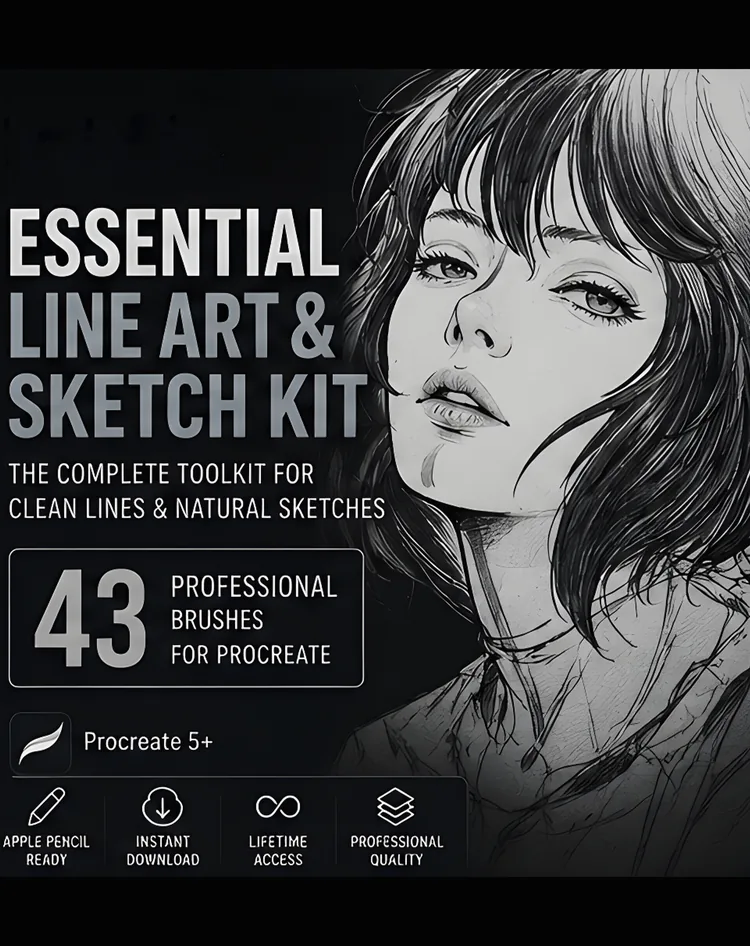
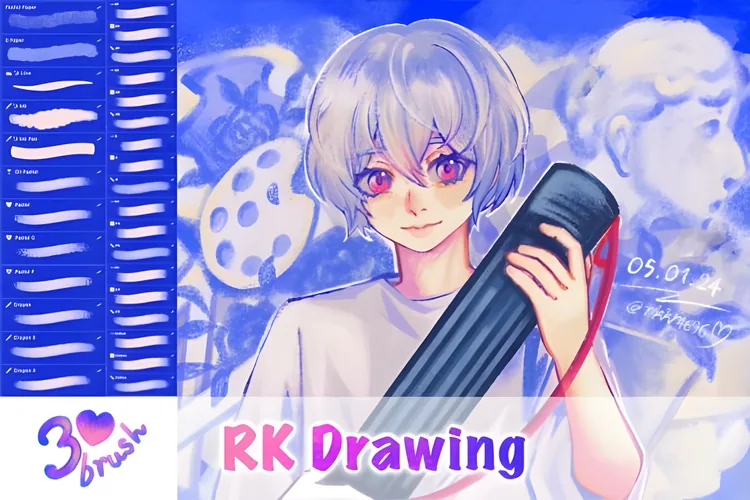
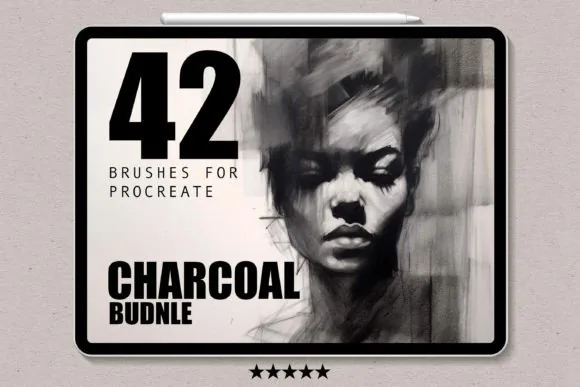
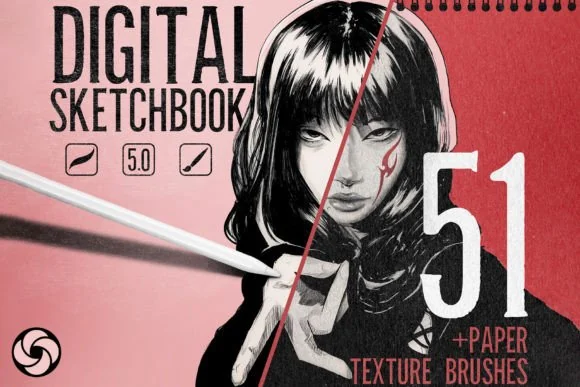
Professional Digital Sketchbook for Procreate, product preview artwork
Brush & texture system with paper textures + torn-paper stampsSketching

Professional Digital Sketchbook for Procreate

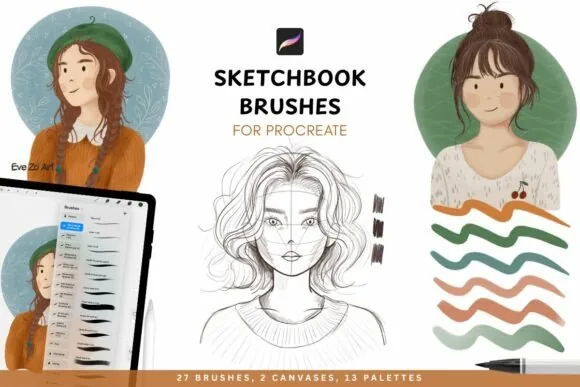
A complete tactile sketchbook environment: sketching tools, seamless paper textures and torn-paper stamps that give digital work real soul.

Price$5.00
Buy Now

Secure checkout on Payhip · Instant download · Opens in a new tab

Can I sell what I make? Yes — finished artwork you create with these files is yours to use personally and commercially. You may not resell or redistribute the brush files themselves. Full licence.

  • Instant download via Payhip
  • Lifetime access
  • Procreate on iPad required

Why You'll Love It

  • Replicates graphite and ink on raw paper
  • Seamless paper textures + torn-paper stamps for depth and character
  • Grip, texture and dimension missing from a sterile digital canvas
  • For concepts, anatomy studies and spontaneous doodles alike

What's Included

  • The Sketching Suite: A comprehensive range of brushes for everything from razor-sharp precision lines to bold, expressive strokes.
  • Torn Paper Stamps: Professional-grade stamps used to add organic edges, dimension, and a "scrapbook" feel to your compositions.
  • The Paper Archive: 13 high-resolution, seamless paper textures that provide the essential "tooth" and grain of real-world sketching paper.
  • Workflow Optimized: Fully calibrated for Apple Pencil pressure and tilt, ensuring an intuitive and natural drawing experience.

About This Product

The tactile feel of a traditional sketchbook. The power of a digital studio.

For many artists, the digital canvas feels too sterile. The lines are too perfect, the background is too flat, and the experience lacks the organic "soul" of a physical sketchbook. When the environment feels artificial, the creativity often follows.

The Digital Sketchbook for Procreate was engineered to solve this.

This is more than a brush set; it is a complete tactile environment. We have meticulously combined a diverse range of sketching tools with high-fidelity paper textures to replicate the experience of graphite and ink on raw paper. Whether you are drafting a professional concept, studying anatomy, or capturing a spontaneous doodle, this system provides the grip, texture, and dimension needed to make your work feel authentic.

The integration of seamless paper textures and torn-paper stamps allows you to build a composition that has depth and character. You no longer have to choose between the convenience of Procreate and the aesthetic of a traditional sketchbook. You can now have both.

What is Included in the Digital Sketchbook:

  • The Sketching Suite: A comprehensive range of brushes for everything from razor-sharp precision lines to bold, expressive strokes.
  • Torn Paper Stamps: Professional-grade stamps used to add organic edges, dimension, and a "scrapbook" feel to your compositions.
  • The Paper Archive: 13 high-resolution, seamless paper textures that provide the essential "tooth" and grain of real-world sketching paper.
  • Workflow Optimized: Fully calibrated for Apple Pencil pressure and tilt, ensuring an intuitive and natural drawing experience.

Technical Installation:

Installation is seamless. Upon purchase, you will receive a direct download link. Open the file on your iPad via Procreate, and the assets will automatically install into your library, ready for immediate use.

Note: This professional system is exclusively compatible with the Procreate App on iPad.

Stop drawing on a blank screen. Bring your ideas to life in a professional digital sketchbook today.
Technical Details

Format.brushset (Procreate)
ContentsBrush & texture system with paper textures + torn-paper stamps
DownloadZIP (92MB)
DeliveryInstant digital download via Payhip
Designed for Apple Pencil pressure & tilt

Requirements

  • iPad with the Procreate app (not compatible with Photoshop or other apps)
  • Apple Pencil recommended for pressure & tilt control
  • Digital download, no physical item ships

How to install it

  1. Buy or download on Payhip — the .brushset file arrives by email instantly.
  2. Get the file onto your iPad (AirDrop from a Mac, or any file transfer on Windows).
  3. Tap the .brushset file in the Files app and choose Open in Procreate.
  4. The set installs automatically and appears in your Brushes panel, ready to use.

Full walkthrough with screenshots: How to install Procreate brushes.

Who It's For

Concept draftingAnatomy studiesSketchbook artistsDoodles & studies

Looking for more than one pack?

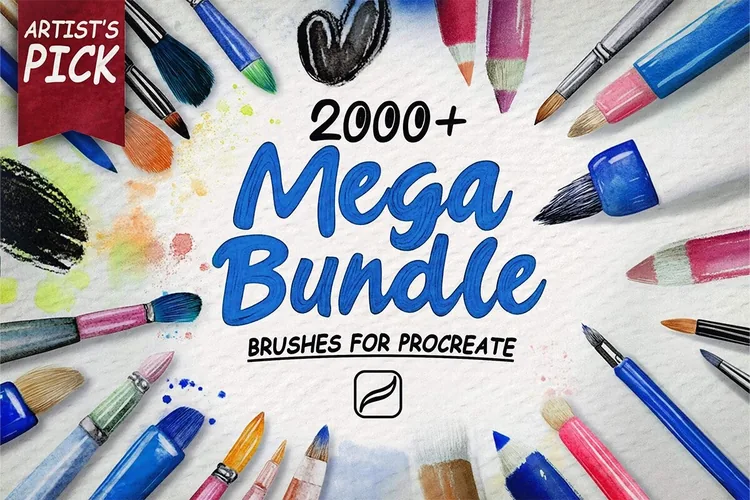
The DigiKitPro Master Library: 2,000+ Procreate Brushes

This pack — Professional Digital Sketchbook for Procreate, $5.00

or

The DigiKitPro Master Library: 2,000+ Procreate Brushes

This pack solves one problem well for $5.00. If you paint across several styles, the Master Library covers all of them for $19.00 — +$14.00 over this pack.

FAQ

What do I need to use this product?

You need an iPad with the Procreate app. Full requirements are listed above on this page.

How will I receive my files?

Immediately after checkout on Payhip you are redirected to a download page, and you also receive an automated email with a permanent download link.

What is the refund policy?

Due to the nature of digital products, all sales are final once files are downloaded. If you run into any technical issue, contact DigiKitPro and it will be resolved.

Learn the technique

Related Guides

Get This Product

Secure checkout on Payhip. Instant delivery to your email.

Buy Now

You may also like

Free download

Get Free Procreate Brushes

Join the DigiKitPro list for free brush drops, new kit releases and iPad art tips. No spam, unsubscribe any time.

No spam. Unsubscribe anytime.

Prefer to grab them now? Browse the free brush packs.