Bundles
Bundle
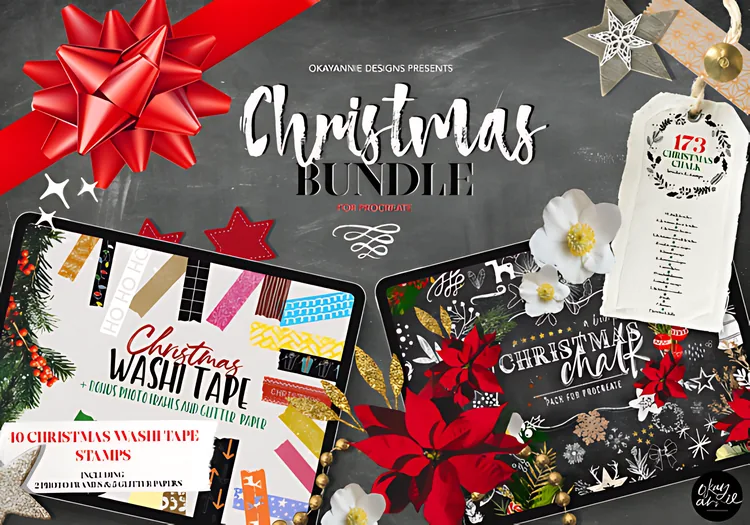
Christmas Procreate Brushes Bundle
Christmas Procreate brushes, stamps and washi tapes for seasonal artwork.
$8.00
View Product
Free tool · Print & Cards
Calculate exact pixel dimensions to enter in Procreate—including print bleed and safe lettering margins—for 5×7 Christmas cards, A2/A6 greeting cards, gift tags, wall prints and KDP interiors. Always confirm final bleed and DPI specs with your print shop.
Common Card & Print Presets (300 DPI)
Enter the finished cut size of your card or print. The calculator adds your chosen bleed to all four edges so you know the exact pixel canvas to create in Procreate.
1. Procreate Canvas (with Bleed)
1,575 × 2,175 px
5.25 × 7.25 in · +38 px bleed/side
2. Finished Trim Size
1,500 × 2,100 px
5.00 × 7.00 in (127.0 × 177.8 mm)
3. Safe Lettering Zone
1,350 × 1,950 px
Keep text 113 px inside canvas edge
Estimated uncompressed 8-bit RGBA layer size for this canvas: 13.1 MiB per layer. Check actual layer limits in Procreate on your iPad.
Background & Knit Fills
Extend paper textures and seamless knit patterns all the way to the outer Bleed Canvas edge.
Stamps & Focal Art
Place trees, ornaments, wreaths and portrait art on separate layers so you can recolour and resize freely.
Greeting & Borders
Keep hand lettering, names and border frames inside the Safe Lettering Zone so nothing is clipped.
Made for holiday cards, tags & prints
Stamp festive trees, paint seamless Christmas sweater knit backgrounds, or layer hand-drawn holiday icons and washi tapes on your print-ready canvas.
Christmas Procreate brushes, stamps and washi tapes for seasonal artwork.
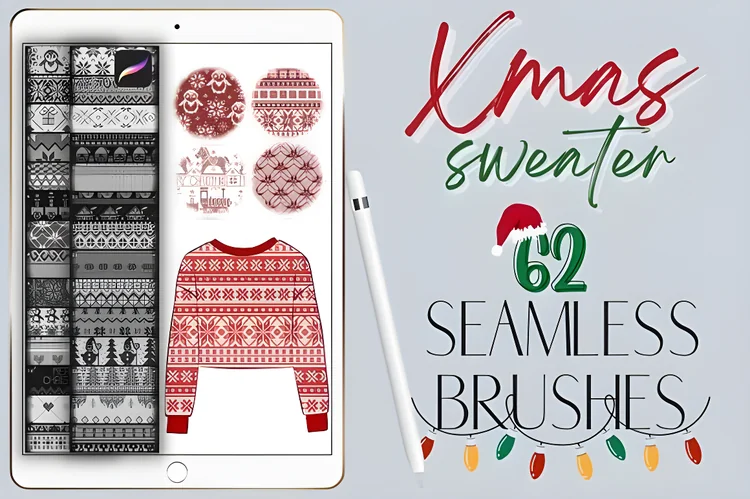
62 seamless Christmas sweater knit pattern brushes for festive Procreate artwork.
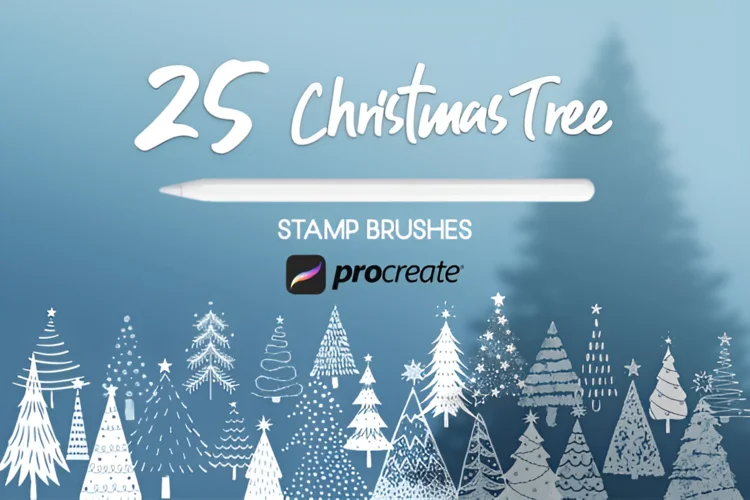
25 Christmas tree stamp brushes for festive illustration, lettering and cards.
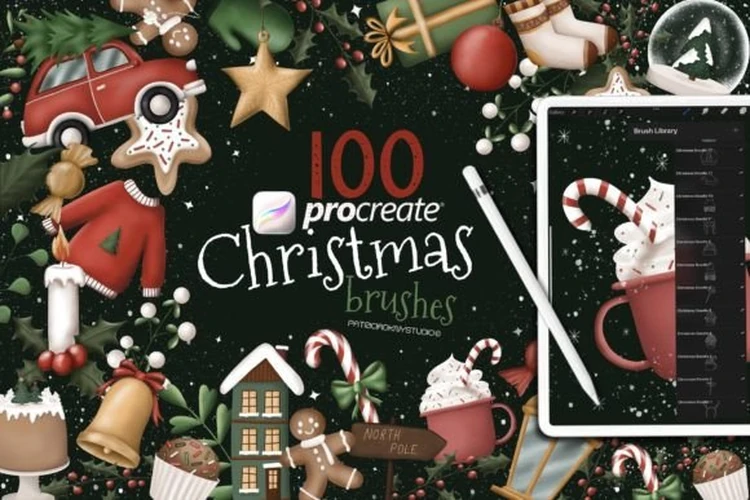
100 hand-drawn Christmas stamp brushes, most with transparent backgrounds.
When designing greeting cards, postcards or KDP interiors in Procreate, setting your pixel dimensions at 300 DPI with bleed before your first brush stroke prevents blurry upscaling later. Below are common starting dimensions—always verify the exact template from your print shop.
Straight answers
At 300 DPI, a 5×7 inch card is 1500×2100 pixels at trim size. With a standard 0.125 inch bleed on all four edges (5.25×7.25 inches total), set your Procreate canvas to 1575×2175 pixels at 300 DPI. Confirm your print shop's exact bleed specification before printing.
Many US printers ask for 0.125 inches (1/8 inch) of bleed on each side, which adds 0.25 inches to both width and height (75 pixels total per dimension at 300 DPI). Many European and ISO printers ask for 3 mm of bleed on each side (6 mm total). Always check your printer's template.
Trim size is the final cut size of the card. The bleed area extends past the trim line so background art or seamless knit patterns reach the edge without white slivers after cutting. The safe zone sits inside the trim line so lettering, names and border frames are not accidentally clipped.
A US A2 card (4.25×5.5 inches) is 1275×1650 pixels at trim, or 1350×1725 pixels with 0.125 inch bleed per side. An international A6 card (105×148 mm) is 1240×1748 pixels at trim, or 1311×1819 pixels with 3 mm bleed per side at 300 DPI.
Stamp brushes, seamless knit pattern brushes and washi tape brushes let you test card layouts on separate layers and recolour motifs cleanly. See the Christmas Procreate Brushes Bundle, 62 Christmas Sweater Knit Pattern Brushes, 25 Christmas Tree Stamp Brushes and 100 Hand-Drawn Christmas Stamp Brushes.